



Install Steam
sign in
|
language
简体中文 (Simplified Chinese)
繁體中文 (Traditional Chinese)
日本語 (Japanese)
한국어 (Korean)
ไทย (Thai)
Български (Bulgarian)
Čeština (Czech)
Dansk (Danish)
Deutsch (German)
Español - España (Spanish - Spain)
Español - Latinoamérica (Spanish - Latin America)
Ελληνικά (Greek)
Français (French)
Italiano (Italian)
Bahasa Indonesia (Indonesian)
Magyar (Hungarian)
Nederlands (Dutch)
Norsk (Norwegian)
Polski (Polish)
Português (Portuguese - Portugal)
Português - Brasil (Portuguese - Brazil)
Română (Romanian)
Русский (Russian)
Suomi (Finnish)
Svenska (Swedish)
Türkçe (Turkish)
Tiếng Việt (Vietnamese)
Українська (Ukrainian)
Report a translation problem



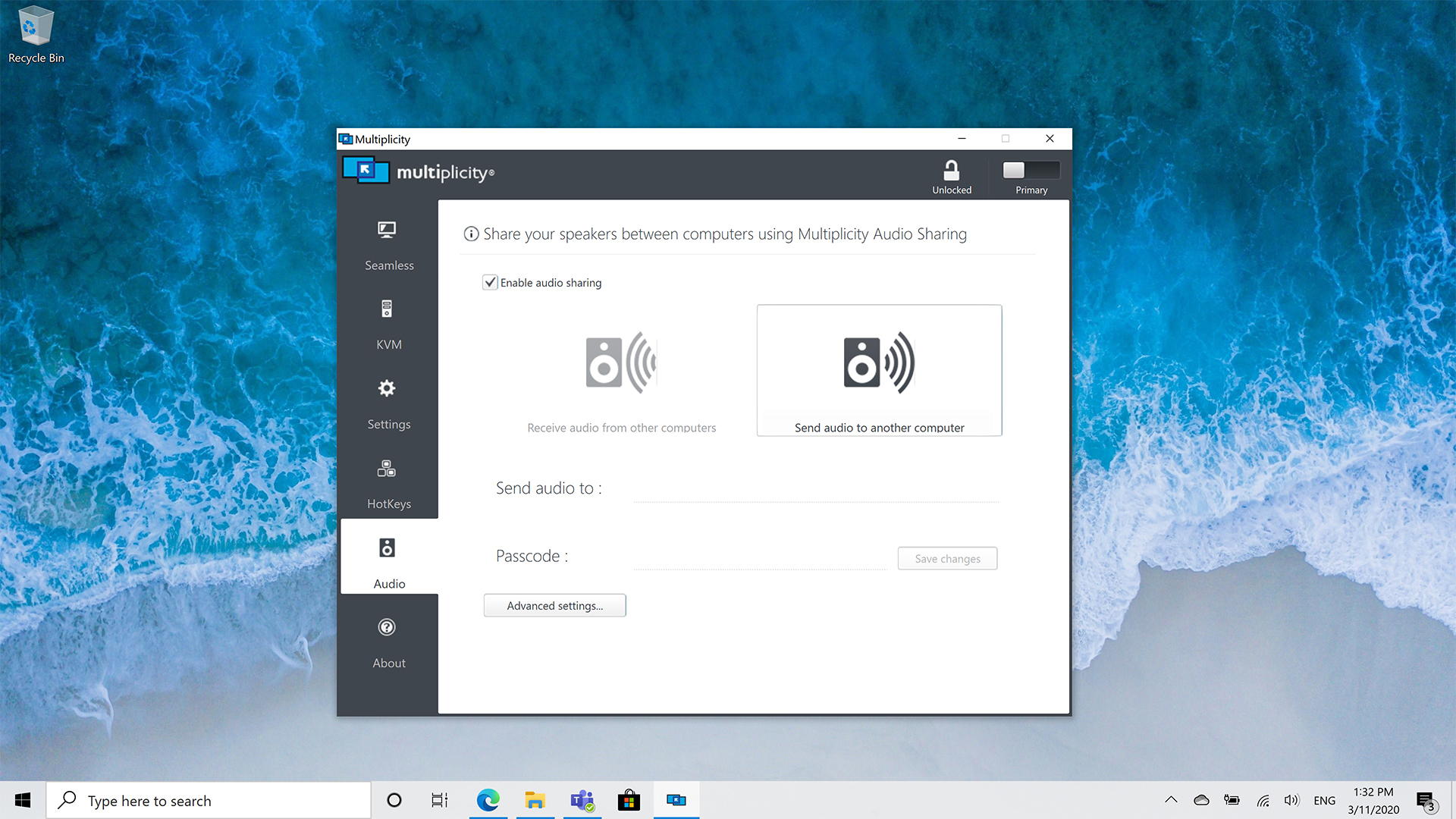
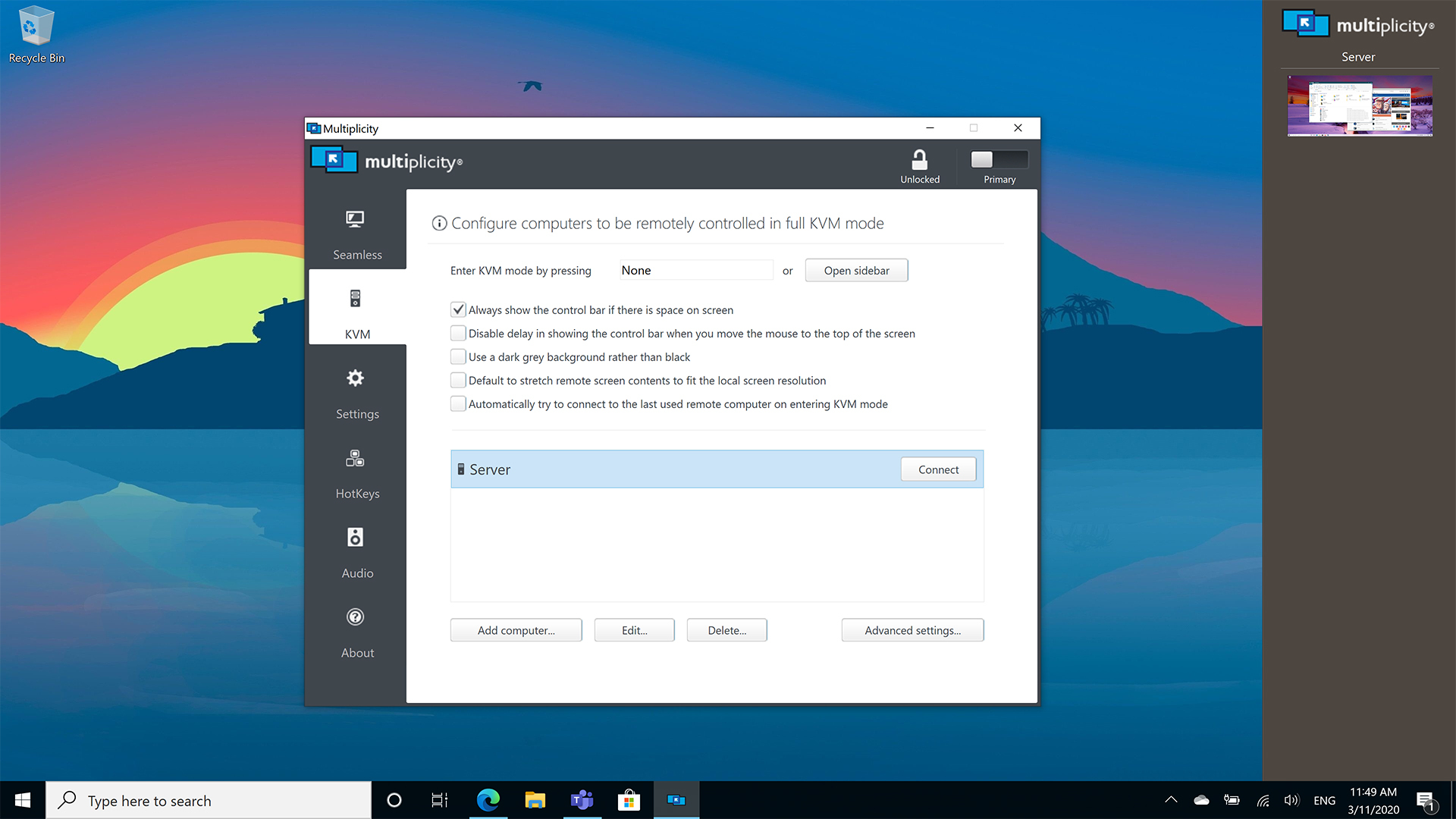
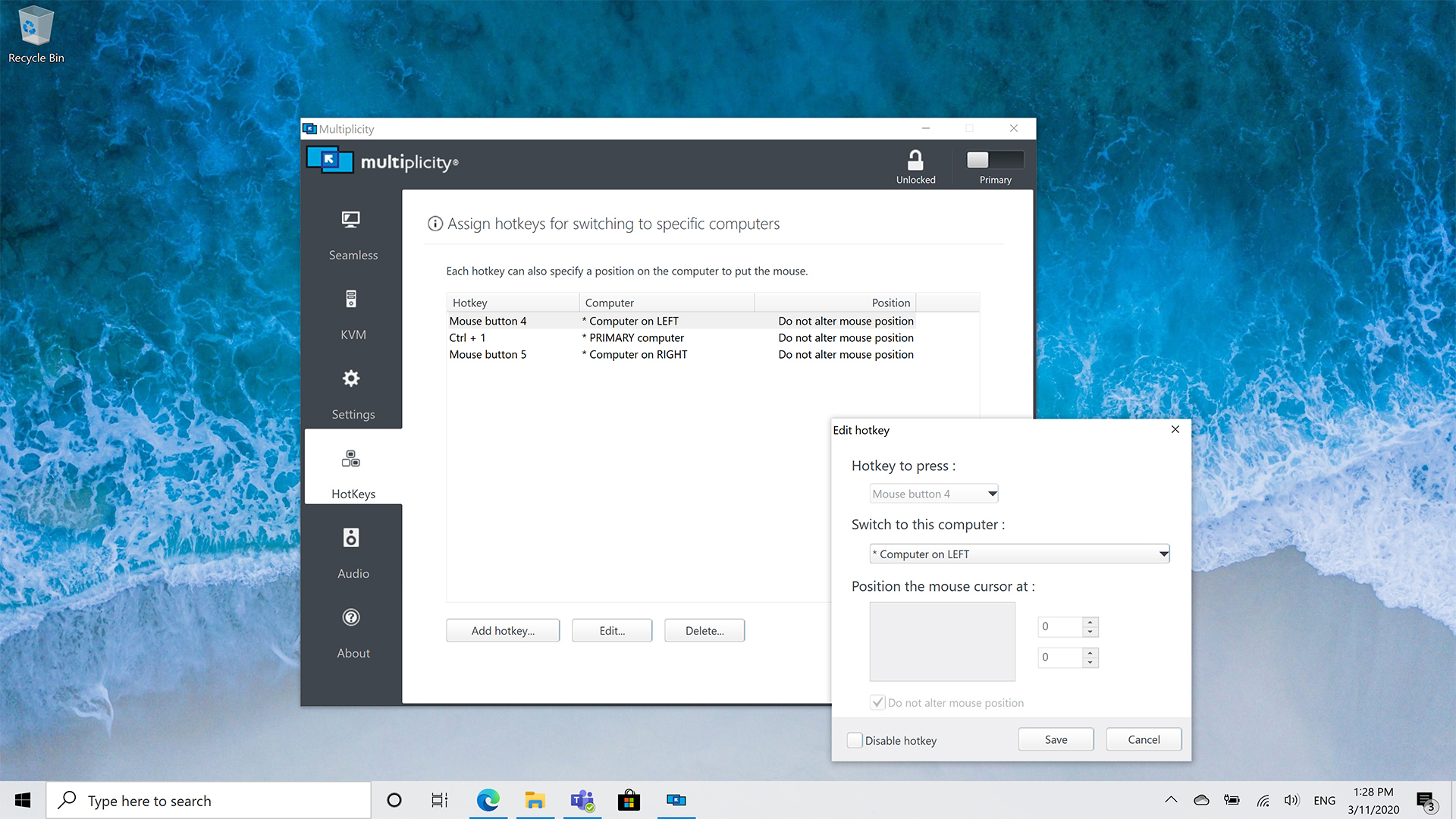 Creatives love the ability to retain their formatting when they use Multiplicity KVM to seamlessly copy and paste content from one PC to another. Designers and editors alike use seamless mode to run editing programs alongside their intense graphic design applications without experiencing lag, stutter, or drop in frame rate.
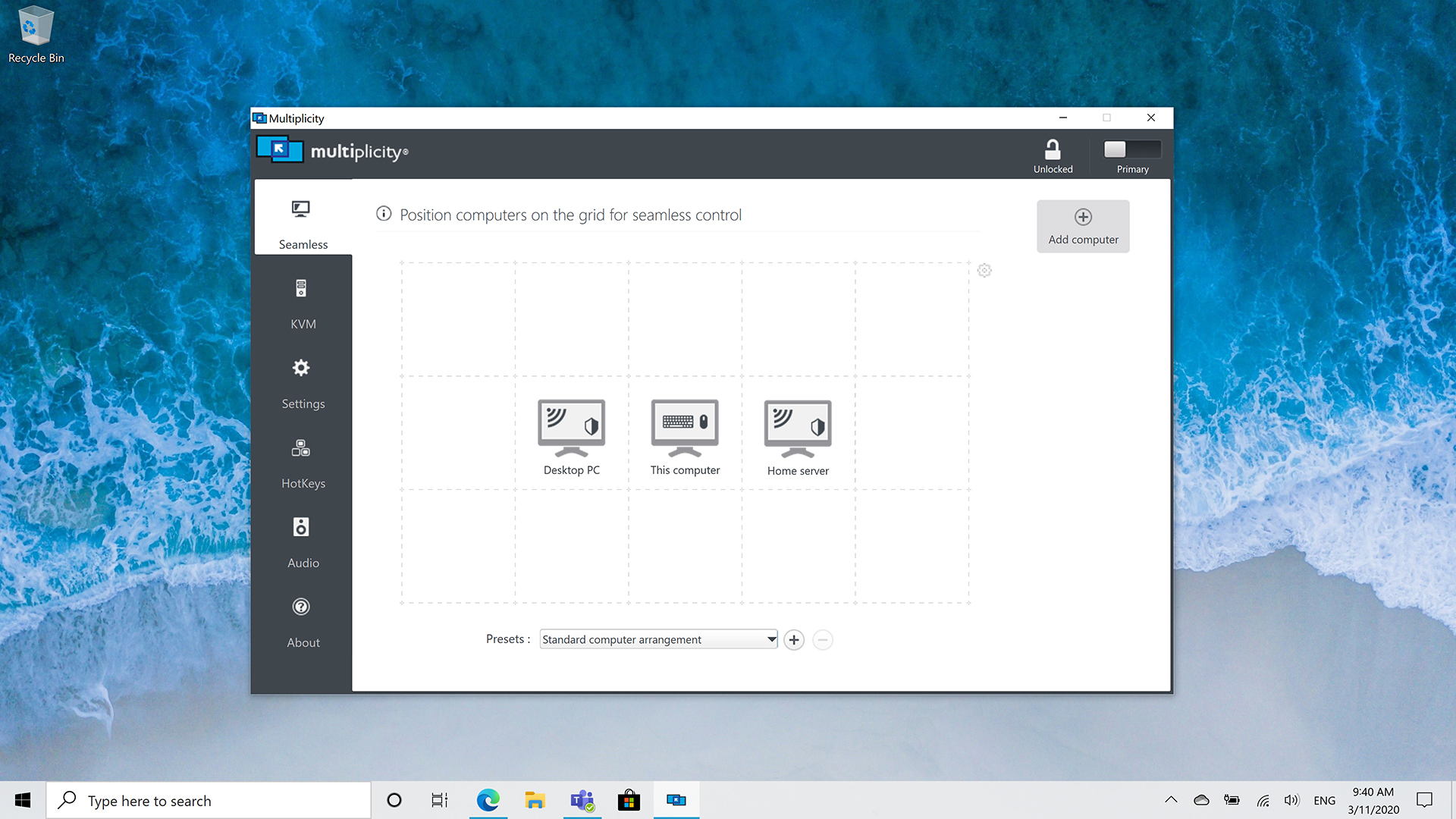 Imagine running up to nine computers when you’re gaming, streaming, or video-sharing! Multiplicity KVM can keep your PC running optimally while allowing you to use your laptop or other machines for additional tasks while you play, without having to constantly switch back and forth between keyboards.


 Loading

