



Install Steam
sign in
|
language
简体中文 (Simplified Chinese)
繁體中文 (Traditional Chinese)
日本語 (Japanese)
한국어 (Korean)
ไทย (Thai)
Български (Bulgarian)
Čeština (Czech)
Dansk (Danish)
Deutsch (German)
Español - España (Spanish - Spain)
Español - Latinoamérica (Spanish - Latin America)
Ελληνικά (Greek)
Français (French)
Italiano (Italian)
Bahasa Indonesia (Indonesian)
Magyar (Hungarian)
Nederlands (Dutch)
Norsk (Norwegian)
Polski (Polish)
Português (Portuguese - Portugal)
Português - Brasil (Portuguese - Brazil)
Română (Romanian)
Русский (Russian)
Suomi (Finnish)
Svenska (Swedish)
Türkçe (Turkish)
Tiếng Việt (Vietnamese)
Українська (Ukrainian)
Report a translation problem

 Future Perfect Update 16 is now live on Steam! As usual, we update the Steam “beta” branch daily with the latest, and then once a week we push that out to the main branch along with a post summarizing the most interesting bits.
 We added some new features to the annotation of fields in a Lua file. Script fields can now be marked as “hidden” to prevent them from showing up in the user interface. A list of values can also be included in the annotation and those will be shown in the interface as a dropdown selection list. Documentation on the markup can be found here.
 The weekly update for Future Perfect is now live on Steam! Here are some of the changes in this update.

 If you’d like to try out Future Perfect, you can purchase it from our website.
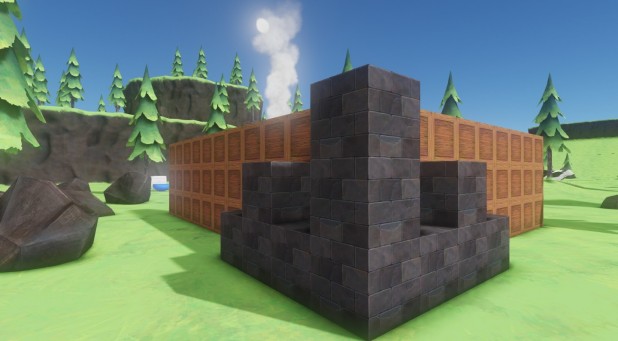 The weekly update for Future Perfect is now live on Steam! Here are some of the changes in this update.
 Weekly Update 13 is now live on Steam. Here’s a summary of the biggest changes.
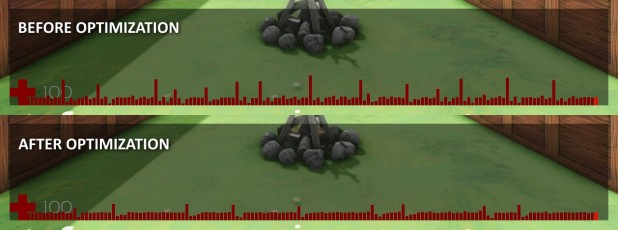 This image shows the time taken per frame for the last 150 frames. As you can see, the hitches (i.e. the larger bars) are less frequent and smaller. There are still a few things we need to do to eliminate them completely. The first is changing the client prediction code to not have to recreate the script components so frequently. The second is to run the garbage collector for a small amount of time each frame so that the spikes are amortized over all of the frames. Both of these changes would have made the original problem much less visible, so we wanted to tackle it first when it was easy to measure.
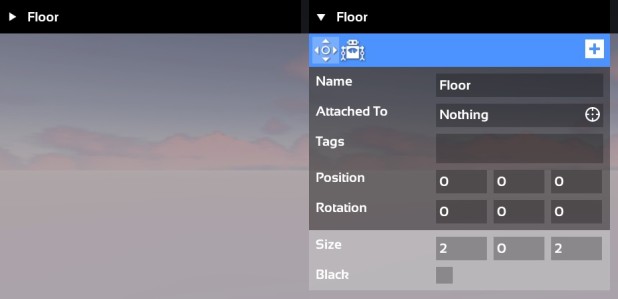 However, in the collapsed state there was no indicator that the panel could be expanded, so players who were looking to go deeper with the editor wouldn’t even know to try that. Adding a simple triangle icon to indicate the panel is collapsed should clue new players into the hidden functionality.
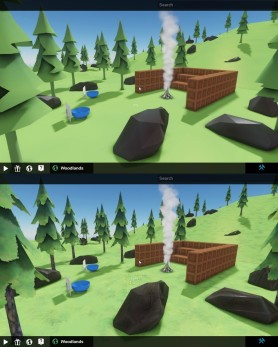 These low resolution textures were only created once the texture was accessed for the first time which meant that when starting a new level you might see a frame or two of black textures. We’ve fixed this so that the low resolution textures are now loaded during the loading screen.
 Weekly Update 12 is now live on Steam. Here’s a summary of the biggest changes.
 Weekly Update 11 is now live on Steam! Here’s a summary of the biggest changes...
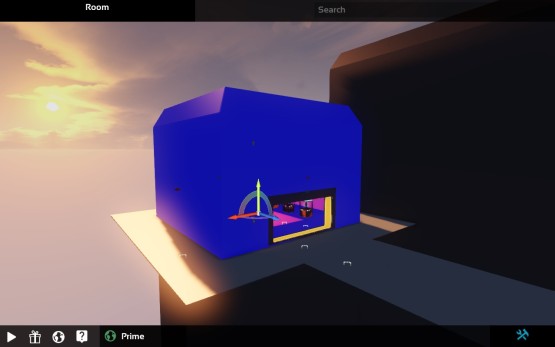 This should make it a lot easier to tell what’s going on when you’re editing a level with a lot of Automators in it.
 Most of the artwork in the game right now is still placeholder, but you can see some of the progress that we’ve made. There’s a new hammer tool for building out your defenses, and a beehive where the player can collect honey (just watch out for the bees!).
 Future Perfect Update 10 is now live on Steam. New features, bug fixes and other improvements go out to Steam every day in the “beta” branch, and once a week we wrap this progress into a stable update in the “main” branch. Here’s what’s included.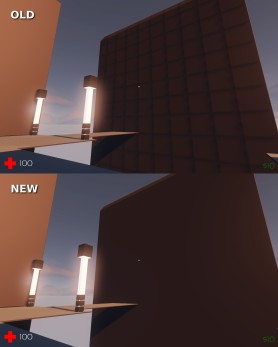
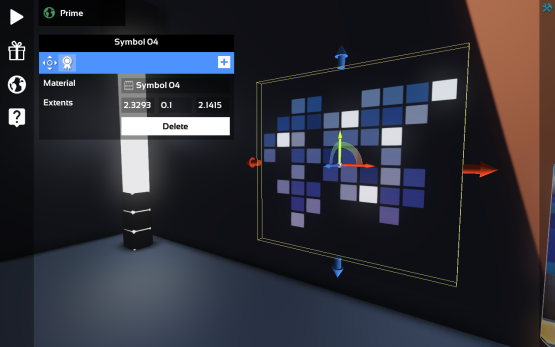
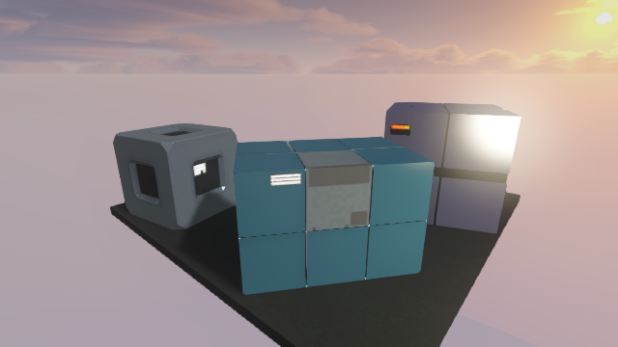
 Weekly Update 9 is now live on Steam. Here’s a summary of the biggest changes.
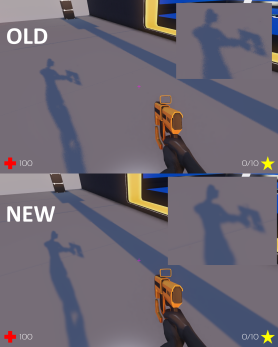 We’re still working on some other improvements to the shadows that we hope to release shortly.
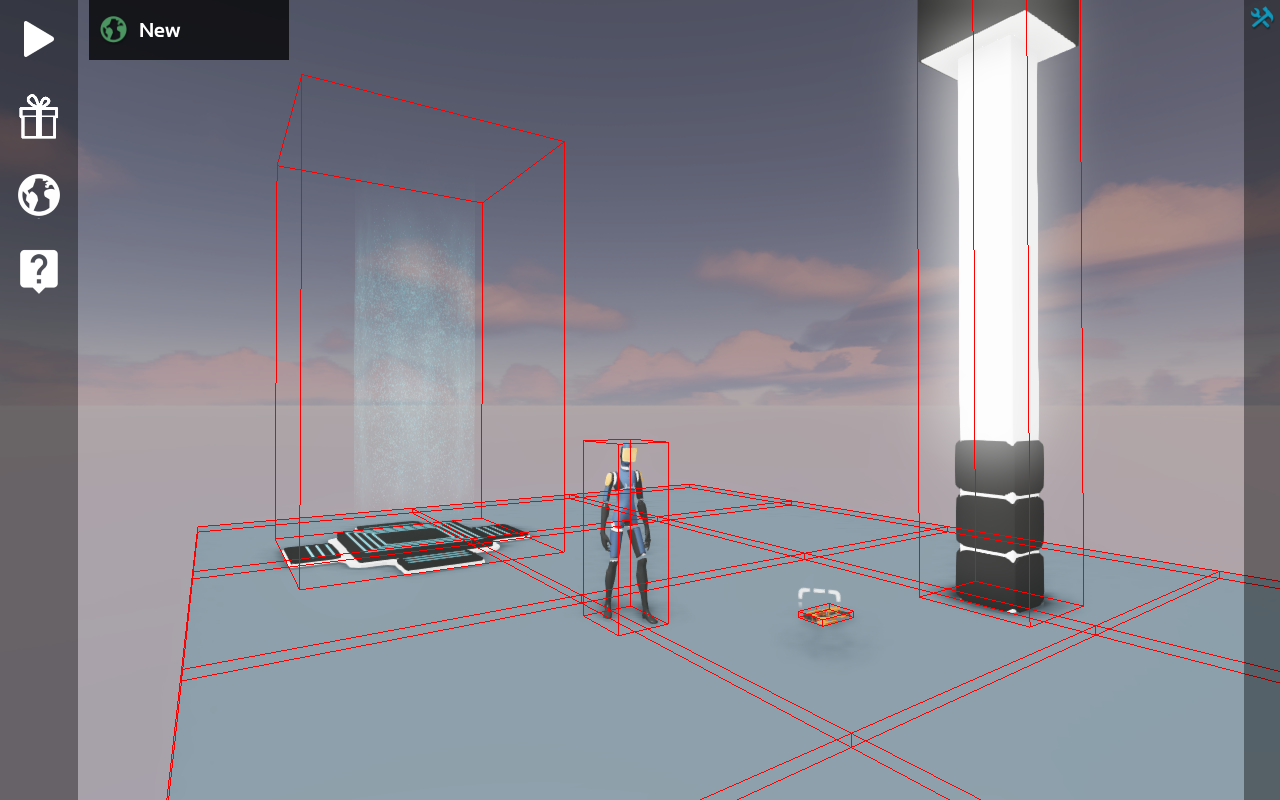 AI code can use the center of the bounding box to get a reasonable idea of where to target. We’ll probably also add in some mechanisms to query an entity for a specific bone position to allow a target bone to be specified for certain models where the box method doesn’t work well.
 Weekly Update 8 is now live on Steam! Here’s a summary of the biggest changes.
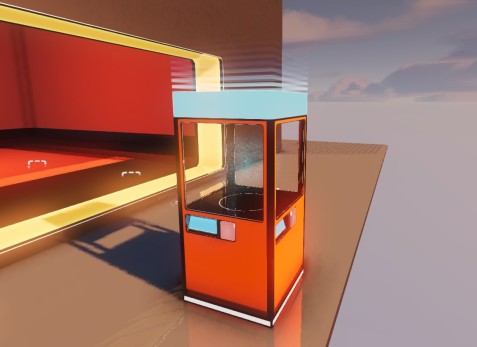 We also fixed up some artifacts on the “server” model and took a pass on a variety of other art bugs, like missing texture error messages and other materials. We’ve also adjusted the alignment of the floor so that newly placed objects sit on top of it rather than sunken inside it.
 For Update 7 we’ve continued working on the Heist game mode.
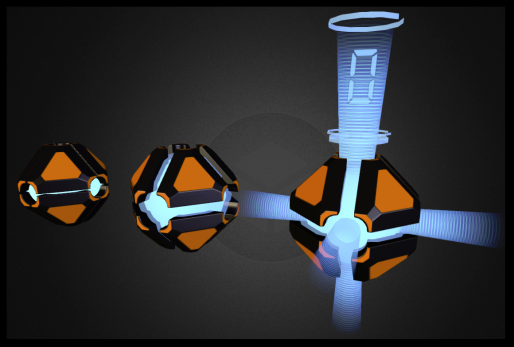 Like everything we’re making, we designed the artwork for the bomb to be “universal”. The goal is to have a distinctive look, but allow the model to be re-used for other purposes; our bomb has an explosive payload, but you can re-use it in your own game modes in new ways.
 Loading

